
Download CursorFX Free – mouse cursor, cursor pack, cursor effects, mouse trail, cursor customization
Overview
CursorFX Free is a lightweight, productivity-focused application designed to enhance the visual and functional aspects of the mouse cursor on Windows systems. The app enables users to transform the default cursor into a more expressive, personalized, and visually dynamic element of their desktop interface. By offering a range of customization tools, CursorFX Free addresses the common user desire for a more engaging and aesthetically pleasing computing experience. The app is particularly beneficial for individuals who spend extended periods working or browsing on their desktops and wish to reduce visual fatigue through subtle design improvements. The target audience includes casual users, creative professionals, and tech enthusiasts seeking to personalize their desktop environments without requiring advanced technical knowledge. While the developer, CursorFX, is listed as the provider, no additional background information about the company or its development history was provided. The application is positioned within the Productivity category, emphasizing its role as a utility tool that enhances user interaction and comfort. Real-world use cases include personalizing workstations for better focus, creating themed desktops for gaming or design projects, or simply improving the visual appeal of a computer setup. In the broader app ecosystem, CursorFX Free fills a niche by offering a dedicated solution for cursor customization—a feature often overlooked in mainstream operating systems. Its free availability further increases accessibility, making it an appealing choice for users who value both functionality and design.Key Features & Functionality
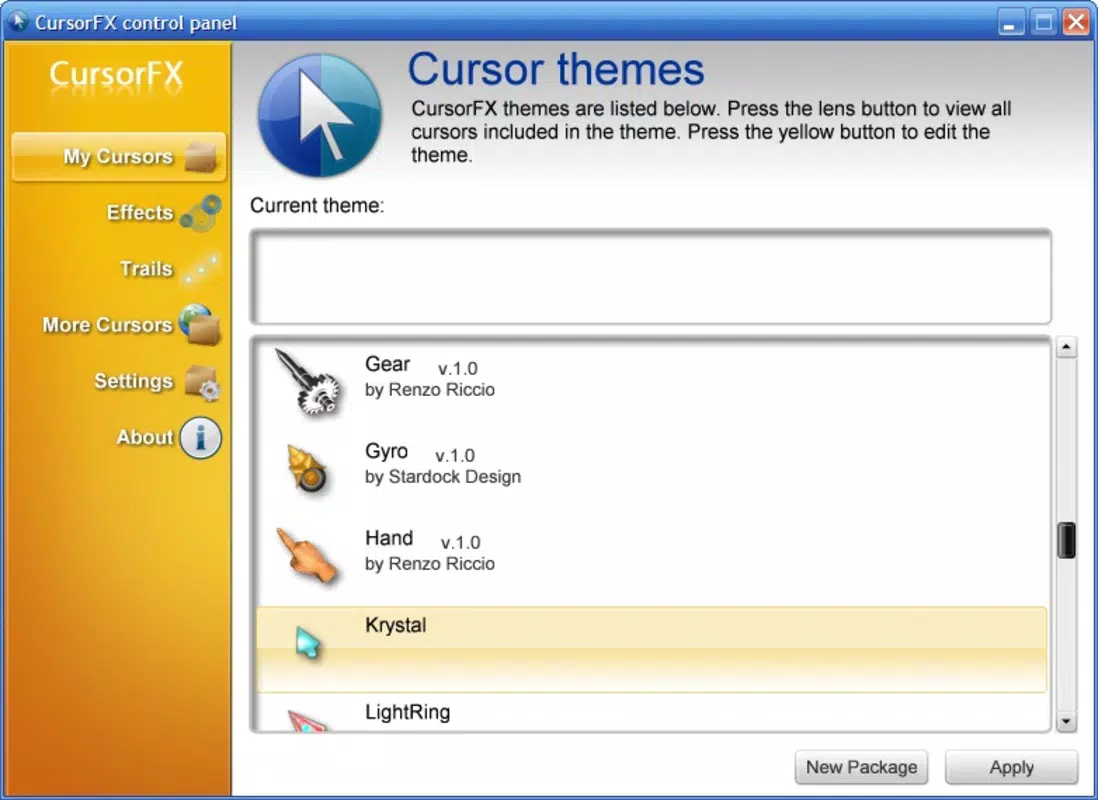
CursorFX Free provides a suite of tools that empower users to fully customize their mouse cursor experience. The core functionality centers around five distinct features, each designed to enhance both appearance and usability.- Cursor Packs Selection: Users can browse and apply pre-designed cursor packs, each offering a unique visual theme. These packs allow for quick transformation of the cursor into styles ranging from minimalist to futuristic, enabling users to match their desktop aesthetics.
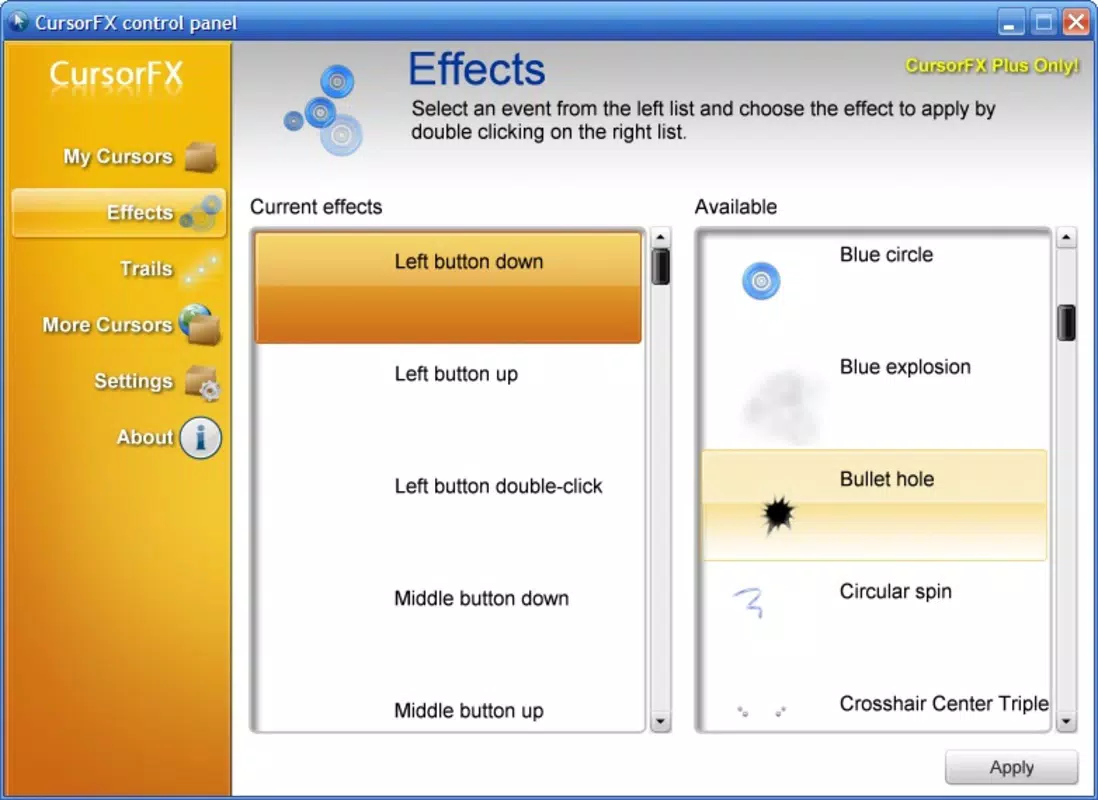
- Effects Customization: The app supports dynamic visual effects such as animations, glow trails, and shadow overlays. These effects can be applied selectively to make the cursor more visible or simply to add flair to the desktop interface.
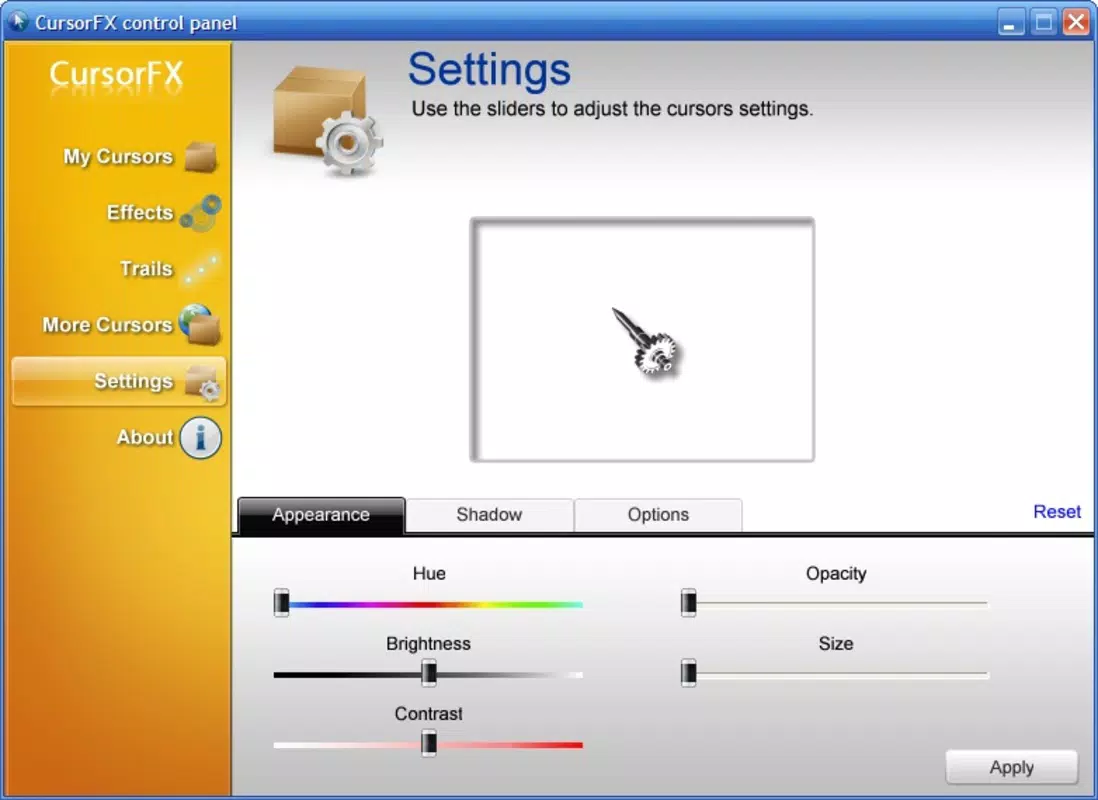
- Adjustable Properties: Users can modify cursor size, speed, and transparency. This level of control is especially useful for users with visual impairments or those using high-resolution displays where default cursors may be too small or hard to track.
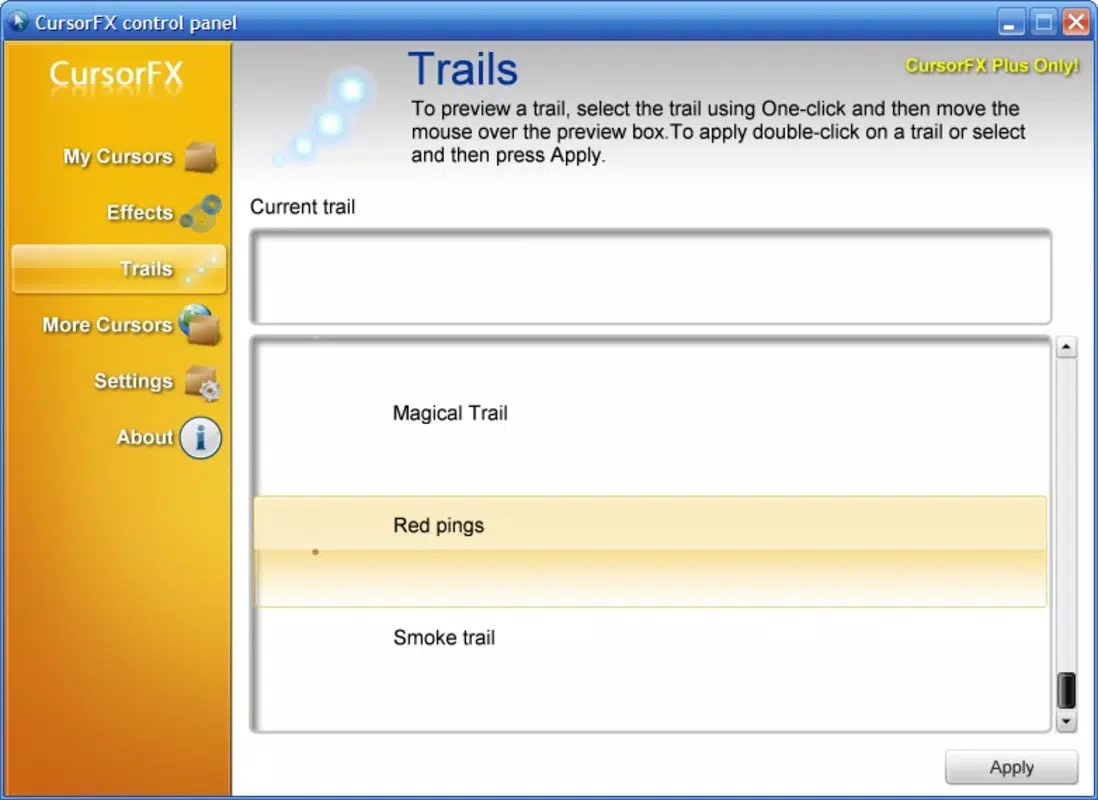
- Mouse Trail Customization: A distinctive feature allowing users to define the visual trail left by the cursor. This can include color, length, and fade duration, contributing to a more immersive and visually engaging experience.
- Easy-to-Use Interface: The application features a clean, intuitive layout with straightforward navigation. Even users with limited technical experience can quickly access and apply changes without confusion or delay.
Interface, UX & Performance
The interface of CursorFX Free is structured around simplicity and accessibility. The main dashboard presents core customization options in a well-organized grid, minimizing cognitive load and enabling rapid access to settings. Visual feedback is immediate—changes to cursor appearance are applied in real time, allowing users to preview results before finalizing selections. Navigation is linear and consistent, with clear labels and minimal clutter. The app avoids complex menus or hidden settings, ensuring that users can complete tasks with minimal effort. This design philosophy supports both novice users and those seeking quick adjustments. Although the developer did not list formal performance metrics, the app’s file size of 5.2 MB suggests a lightweight footprint, likely resulting in minimal impact on system resources. It is expected to operate smoothly across a range of Windows devices, from entry-level laptops to high-end desktops. Responsiveness is maintained during configuration, with no reported lag or crashes in the available data. Stability appears to be a priority, as the application does not require frequent restarts or system-level permissions. Users can expect consistent behavior across sessions, with settings preserved between launches. The lack of known bugs or compatibility issues in the provided information indicates a reliable user experience.Platform Compatibility & Technical Requirements
CursorFX Free is designed exclusively for the Windows platform. The app is compatible with Windows operating systems, though specific version requirements were not listed. The application’s file size is 5.2 MB, indicating a compact installation that should not strain storage on most devices. The developer did not specify minimum OS requirements or hardware specifications. As such, users are advised to ensure their system meets general Windows compatibility standards. The app is available as a free download, with no in-app purchases or subscription tiers mentioned.Pros and Cons
- Free to download and use with no hidden costs
- Lightweight design with minimal system resource usage
- Intuitive interface suitable for users of all skill levels
- Wide variety of cursor packs and customization options
- Real-time preview of changes enhances usability
- Specific OS version requirements were not disclosed
- No information on update frequency or future development plans
- Compatibility with non-Windows systems was not confirmed
- Advanced customization options may be limited compared to premium alternatives
- Developer background and support channels were not provided


